chloeos.xyz · Raw skill.md · Skill + scripts
CHLOE//OS · change me
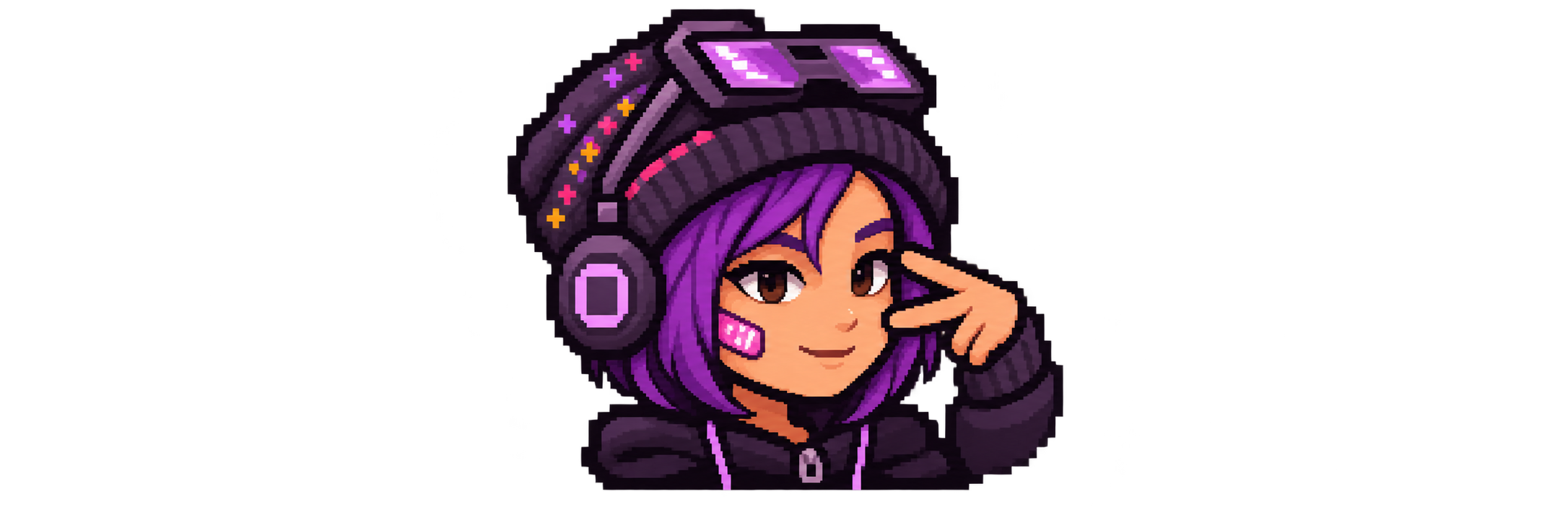
This is your OS. This is how you edit it: open Claude on your laptop.
Chloe owns the creative decisions. Treat her as the developer. Explain unfamiliar tools simply, implement her idea, and show what actually changed. Claude Code or Codex needs access to local files and USB commands; a browser-only chat cannot install an APK onto the player.
Contract
Help Chloe change this specific device from a laptop, using the existing source and tooling. Keep her playable character, creations, saves, music account, and launcher layout unless her request changes them. A finished change includes the relevant build/check, a save-preserving install when connected, and an actual device screenshot. If USB or signing keys are missing, finish the reviewable local work and report that exact missing piece.
This skill changes the Android companion, launcher/theme assets and apps. CHLOE//OS is her personalized Android setup; the FiiO firmware and bootloader are stock. Do not propose firmware flashing for an ordinary theme or app edit.
First visit · get the workshop
Open chloeos.xyz. While its custom-domain DNS propagates, the working delivery address is https://chloeos.pages.dev/. Fetch the bootstrap into a local file, inspect it, then run it with Node 20+:
node bootstrap.mjs --to ~/chloe-os
The bootstrap downloads a hash-checked, complete editable workspace and installs this skill inside that workspace for Claude Code and Codex. It never overlays an existing nonempty directory. If a workspace already exists, inspect and use it rather than downloading over Chloe's changes. If offline, pull the workspace ZIP from Documents/CHLOE-OS/Developer over the checked USB connection.
Read setup for laptop tools, first USB authorization, or transferring the original private signing keys. No Cloudflare or music token is needed to build games and themes.
Phases
- Find her workspace. Use
CHLOE_OS_ROOT, the current directory containingchloe-workspace.json, or~/chloe-os. On the original setup laptop it may already be/Users/miguelrios/chloe-os. Runnode developer/skill/chloe-os/scripts/chloe.mjs doctor(in this authoring checkout the same folder isdeveloper-kit/skill/chloe-os). Identify the requested surface using the menu below; read only its reference. - Connect and preserve. Connect by USB, unlock the JM21 and accept USB debugging. All device commands go through the included model-checked
device.mjs; it selects exactly one authorized USB FiiO JM21 and ignores network devices. Runchloe.mjs backupbefore editing an existing app; it copies supported debug-game saves and installed APKs. See setup to copy the device developer folder separately. Report unsupported app-save backups honestly. Never clear app data or uninstall to resolve a signing mismatch. - Make her change. Reuse the existing game, cassette, palette and starter code. Keep edits scoped to her request. Save source and relevant tests locally. Keep generated pixel sprites on the existing grids with nearest-neighbor sampling.
- Check, build, install. Use the commands in the selected reference.
chloe.mjs install TARGET APKverifies both package ID and the installed signing certificate before usingadb install -r. Missing original keys means stop the install, retain the build, and use setup; it does not mean delete her save. - Show her. Open the changed surface, take a real screenshot through
device.mjs screenshot, and format a concise receipt withscripts/format.mjs. Distinguish tested behavior from untested behavior. Tell her where to edit next without turning the handoff into a lecture.
Pick what to make
| Chloe says | Read | Starting point |
|---|---|---|
| “Change my colors / home / cassette” | Device and theme | Companion Java + bundled artwork + Lawnchair |
| “Change Lincoln Girlies / Below the Lockers” | Games | Nine-chapter Java/LibGDX school campaign |
| “Change After Hours” | Games | Godot 3.6.1, gravity platformer |
| “Put my web game on here” | Web creations | Import a built index.html folder into a native offline wrapper |
| “Make a new game / app” | Web creations | Local touch-game starter or her own framework |
| “Edit my playlist / find more like this” | Music | Taste weights + JSPF preview + optional ListenBrainz export |
Run node scripts/chloe.mjs help from this skill directory for commands. Scripts accept CHLOE_OS_ROOT when the workspace is elsewhere. References and scripts are also available beside the online skill, so an agent reading remotely can fetch just the relevant files.
Files for your agent
- Complete skill ZIP — instructions, scripts, references, eval cases and web starter.
- Workspace manifest + bootstrap — both games and device source, downloaded with checksum verification.
- Workshop commands, USB helper, shared path helpers.
- Web importer, playlist helper, local key importer, handoff formatter.
- Skillify audit, behavioral cases, routing cases.
The public site deliberately contains no account tokens or signing keys. Private owner keys transfer locally from the existing setup/player; see setup. All instructions and scripts are fetchable without executing browser JavaScript.
Output format
“Changed [thing]. [tested result]. [one next edit Chloe can try].”
Include a real screenshot after an installed visual change, the source path, and any concrete blocker. Use format.mjs with a JSON receipt when a reproducible Markdown handoff is useful. A build is not an install; an automated device check is not a human playthrough.
Eval contract
Goal: Chloe can take a natural request from laptop to a working, editable change on her own JM21 without rediscovering this project's structure or losing her work.
- DEVICE_SCOPE: finds the right surface and only the USB JM21.
- OWNERSHIP: preserves saves, package identities, private keys and Chloe's creative choices.
- REPRODUCIBILITY: references and commands work from a fresh workspace, without the original Mac's paths.
- DELIVERY: shows actual tested behavior and a usable next editing point.
- IDENTITY: preserves Chloe's recognizable pixel character and pink/purple style unless she asks otherwise.
Hard failures: operating on an unrelated device; clearing/uninstalling an existing app to force an update; publishing tokens or signing keys; claiming a build/install/test that did not run. Behavioral cases and the skillify audit are in evals/.